Free drag-and-drop design editor
Design anything.
Beautifully, in minutes.
Social posts, banners, flyers and decks — start from a template, drag things where you want them, and export a crisp file. No design degree required.
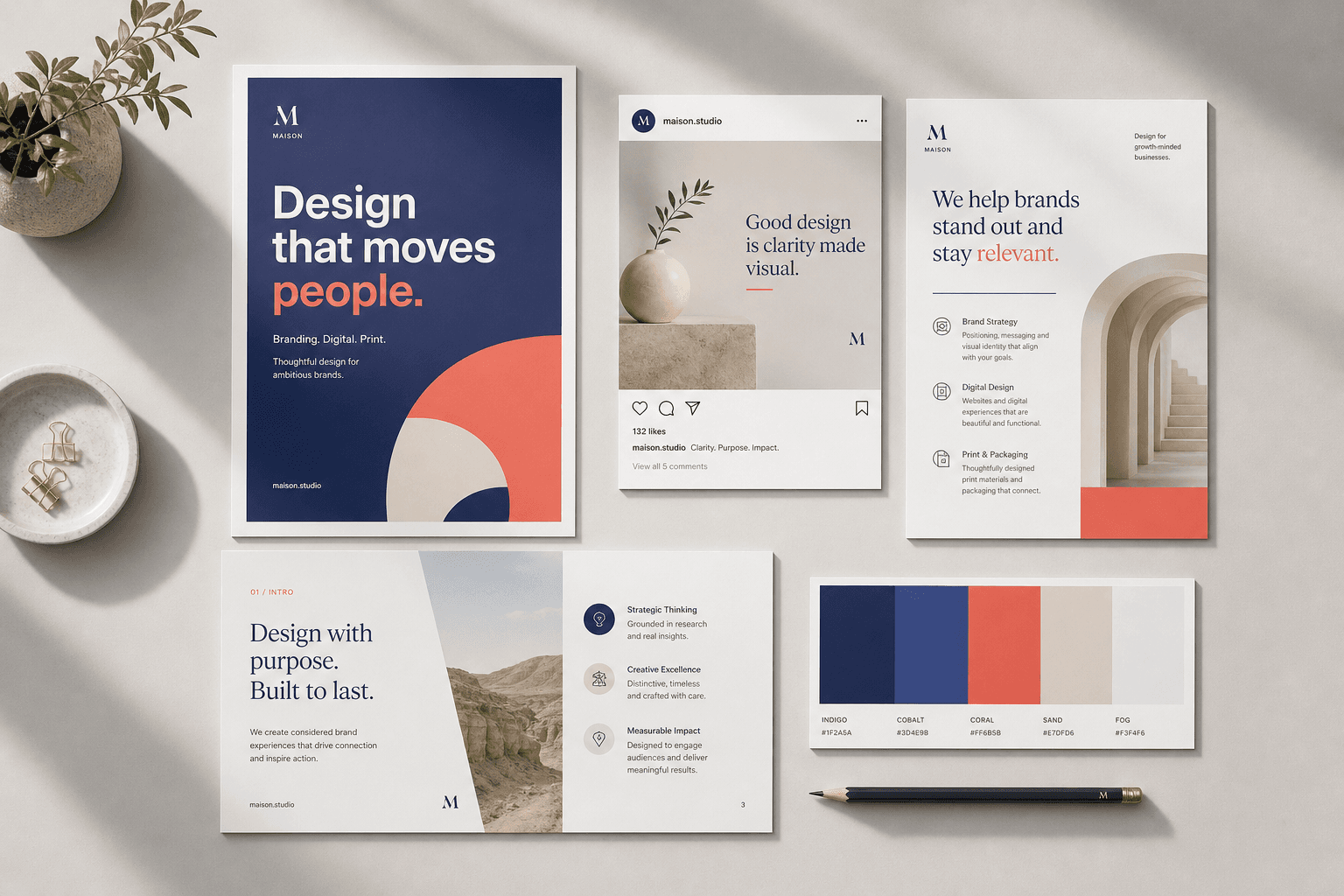
One editor for everything you publish.
Social posts
Instagram post & story, Facebook, LinkedIn — sized exactly right.
Banners
YouTube and X headers, web banners that line up with every crop.
Posters & flyers
A4 and Letter at true print size, exported as a sharp PDF.
Presentations
16:9 decks with multiple pages and a full-screen present mode.
How it works
From blank page to finished file in three steps.
- 01
Pick a size or template
Start from a platform preset, your own size in px, mm or inches, or a ready-made template.
- 02
Make it yours
Drag, resize and rotate. Swap fonts, colours and photos. Snap guides keep everything aligned.
- 03
Export & share
PNG, JPG or print-ready PDF at 1x, 2x or 3x. Your work saves itself as you go.
A real editor, not a form.
Multi-select, group, lock and hide. Reorder layers by dragging. Copy, paste, duplicate and undo with the shortcuts your fingers already know. Smart guides snap to the page and to other elements.
Files that look right.
PNG with transparency, JPG with a quality slider, and PDFs at true A4 or Letter size — every page included.
Questions
Do I lose my work if I close the tab?+
No. Every change is saved to your account a moment after you make it, and your designs are there the next time you sign in.
Can I edit everything in a template?+
Yes. Every text, photo and shape in a template is a normal element — move it, restyle it, delete it or replace it.
Which file types can I export?+
PNG (optionally with a transparent background), JPG with a quality setting, and PDF with every page at its real physical size.
Can I use my own photos?+
Upload images by dragging them in or picking files. They live in your private library, ready for any design.